Every missed call after 5pm is a booking that went to your competitor. Small businesses lose up to 40% of after-hours enquiries without automated scheduling in place, and that adds up to serious revenue walking out the door while you sleep. An after hours booking system setup does not need to be complicated or expensive, but it does need to be deliberate. This guide walks you through exactly what to prepare, how to configure your system step by step, what can go wrong, and how to measure whether it is actually working.
Table of Contents
- Key takeaways
- Before you set up: what you need to prepare
- Step-by-step: how to set up your after hours booking system
- Common challenges and how to handle them
- Measuring success and optimising over time
- My honest take on after hours booking system implementation
- How Bookeverycall makes after hours booking simpler
- FAQ
Key takeaways
| Point | Details |
|---|---|
| Lost bookings cost real money | Up to 40% of after-hours enquiries disappear without an automated system in place. |
| Preparation prevents failure | Mapping your booking workflows and assigning a system champion before setup saves significant time and frustration. |
| Automation needs human oversight | AI scheduling tools work best when a manager reviews and refines automated schedules before they go live. |
| Reminders are your no-show defence | Multi-channel reminders sent via SMS and email can reduce no-shows by up to 75%. |
| Measure from day one | Tracking booking capture rate and customer satisfaction from launch helps you identify gaps and improve quickly. |
Before you set up: what you need to prepare
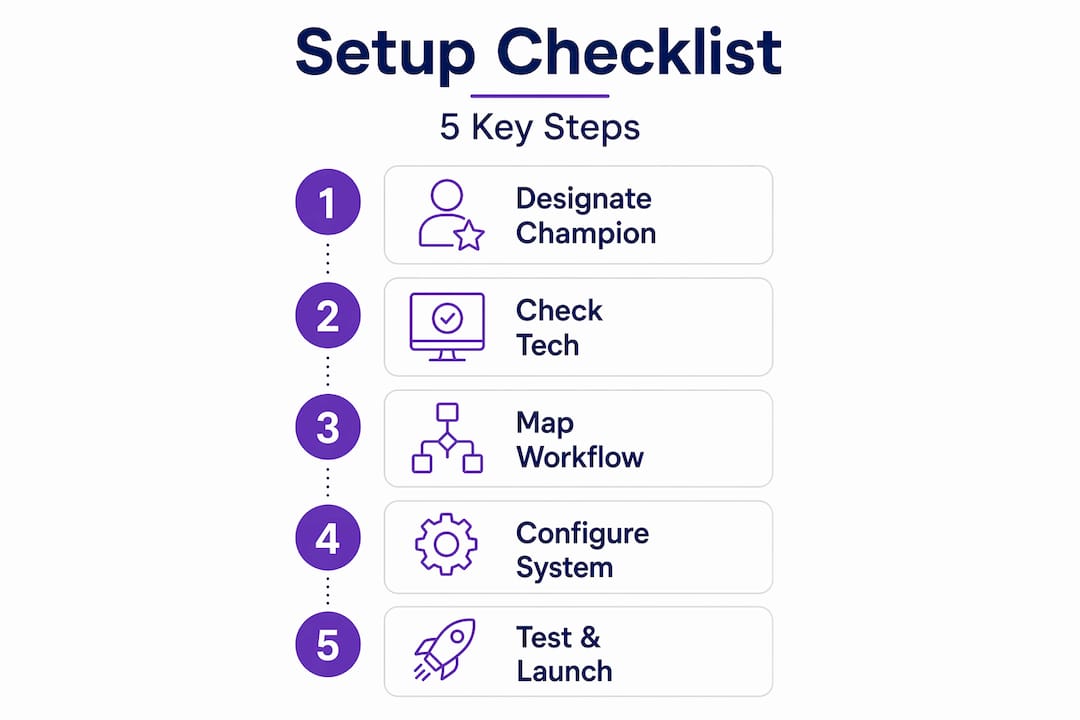
A successful after hours booking system setup starts well before you log into any software. Rushing straight to configuration without laying the groundwork is the single most common reason small business owners end up with a broken system two weeks after launch.
Start by mapping your current booking workflow. Write down every step a customer takes from first contact to confirmed appointment, and identify where after-hours enquiries currently fall through the cracks. Is it a missed phone call? An unanswered contact form? A Facebook message nobody sees until morning? Knowing your specific leak points tells you exactly what your system needs to solve.
Next, choose your after hours booking automation tools carefully. The right software depends on your service type, your existing calendar setup, and whether you need integration with a CRM or payment system. Key questions to ask before committing:
- Does it integrate with Google Calendar, Outlook, or your existing practice management software?
- Can it send automated SMS and email confirmations without extra cost?
- Does it support multiple staff members or locations?
- Is there a mobile-friendly booking page your customers can use on their phones?
- What does the onboarding and support process look like?
Pro Tip: Designate a “system champion” inside your business before setup begins. This is the person responsible for configuration, staff training, and ongoing management. Designating system champions during setup measurably improves adoption success and staff compliance.
You also need to confirm your technical requirements. A stable internet connection, a device that can access the admin dashboard, and staff access to the booking platform are non-negotiable. If your website is on WordPress or Squarespace, check that your chosen booking tool has a compatible widget before you purchase a subscription.
Step-by-step: how to set up your after hours booking system
Once your preparation is solid, the actual setup follows a logical sequence. Work through these steps in order and you will avoid the most common configuration mistakes.
- Configure your service menu and availability windows. List every service you offer, set the duration for each, and define which hours are available for online booking. For after-hours appointment scheduling, you will typically open booking windows from close of business through to the following morning, covering the hours when calls go unanswered.
- Set buffer times between appointments. Buffer times prevent back-to-back bookings and protect your staff from burnout. A 15-minute buffer between a 60-minute service gives your team time to reset, update notes, and prepare for the next client. Configure buffers by service type so a quick consultation gets a shorter buffer than a full job.
- Embed your booking widget or link everywhere. Self-service booking widgets on your website and social media capture leads 24/7 without staff involvement, and a well-placed widget can complete a booking in under 30 seconds. Add the link to your Google Business Profile, Instagram bio, email signature, and any after-hours voicemail message.
- Automate your reminders. Set up at least two reminder touchpoints: one 24 hours before the appointment and one two hours before. Automated SMS and email reminders reduce no-shows by up to 75% when they include a one-tap confirm or reschedule option. This is one of the highest-return configurations in the entire setup.
- Test the entire booking flow end to end. Book a test appointment yourself using a personal email address and phone number. Confirm you receive the confirmation email, both reminders, and that the appointment appears correctly in your calendar. Then cancel it and rebook to test the cancellation and rebooking flow.
| Setup step | Time required | Priority |
|---|---|---|
| Map booking workflow | 1 to 2 hours | High |
| Configure services and availability | 1 to 3 hours | High |
| Set buffer times | 30 minutes | Medium |
| Embed widgets and booking links | 1 hour | High |
| Configure automated reminders | 30 to 60 minutes | High |
| End-to-end testing | 1 to 2 hours | High |
Pro Tip: Do not go live on a Monday. Launch your after hours booking system on a Wednesday or Thursday so you have two business days to catch any issues before the weekend rush hits.
Common challenges and how to handle them
Even a well-planned after hours booking system setup will hit friction points. Knowing what to expect means you can fix problems quickly rather than losing confidence in the whole system.
The most common issues local business owners face include:
- Customer confusion during the transition. Regulars who are used to calling you directly may not realise you now have online booking. A short message on your voicemail, a post on social media, and a note on your website goes a long way.
- Calendar integration errors. If your booking tool is not syncing correctly with your existing calendar, double bookings become a real risk. Always run a full sync test before going live, and check that time zones are correctly configured.
- Staff resistance. Some team members will see the new system as extra complexity rather than a help. Involve them in the setup process and show them the specific pain it solves for them personally.
- No human fallback during transition. Without adequate support during system migration, customer frustration can spike sharply. Keep a backup phone line or chat option available for the first two to four weeks.
“Automation accelerates, but it should not replace managerial oversight for cost, compliance, and team wellbeing.” This principle, drawn from AI scheduling research, applies directly to small business booking systems. Someone on your team needs to own the system and review it weekly.
The transition period is typically two to three weeks. After that, most businesses find their customers adapt quickly and the volume of manual booking calls drops noticeably. If problems persist past week four, revisit your widget placement and your voicemail message. Customers can only use the system if they know it exists.
Measuring success and optimising over time
Going live is not the finish line. The real value of a 24/7 booking system comes from tracking its performance and making small, regular improvements.

The three metrics that matter most in the first 90 days are booking capture rate, no-show rate, and customer satisfaction score. Booking capture rate tells you what percentage of after-hours enquiries converted to confirmed appointments. No-show rate tells you whether your reminders are working. Customer satisfaction, gathered through a short post-appointment survey, tells you whether the booking experience felt easy or frustrating.
| Metric | Healthy benchmark | Action if below benchmark |
|---|---|---|
| Booking capture rate | Above 60% | Review widget placement and booking link visibility |
| No-show rate | Below 5% | Add or adjust reminder timing and content |
| Customer satisfaction | Above 4 out of 5 | Simplify the booking flow or add clearer instructions |
Once your baseline metrics are solid, you can explore more advanced features. AI-driven dynamic scheduling can recover up to 11% of previously lost booking demand by redistributing appointments in real time when cancellations occur. Automated waitlist backfill is another high-value feature: when a cancellation comes in, the system automatically offers the slot to the next person on the waitlist without any staff involvement.
Pro Tip: Review your availability schedule every quarter. Business patterns shift across seasons, and an availability window that worked in January may leave gaps or create overload in July. Adjust your after hours appointment scheduling windows to reflect actual demand.
Gather feedback from your staff as well as your customers. Your team will often notice friction points in the system before the data does. A short monthly check-in with your system champion keeps improvements flowing and prevents small issues from becoming bigger ones.
My honest take on after hours booking system implementation
I’ve worked with dozens of local business owners who’ve gone through the process of setting up an after hours booking system, and the pattern I see most often is this: they buy the software, spend a weekend configuring it, and then wonder why it is not performing three months later. The technology was fine. The implementation was not.
What I’ve learned is that the human side of the setup matters as much as the technical side. The businesses that get the most out of their after hours booking automation tools are the ones that treat it like a staffing decision, not a software purchase. They assign ownership. They communicate the change to customers proactively. They check the metrics.
I’ve also seen the opposite go badly. A tradie in regional Queensland set up a booking system, embedded it on his website, and never told a single customer it existed. His booking capture rate sat at 11% for four months before he reached out for help. The fix took 20 minutes. The cost was four months of lost bookings.
The other thing I want to be direct about: AI scheduling must remain under human oversight to be truly effective. The automation handles the volume. A person on your team needs to handle the exceptions, the edge cases, and the customers who fall through the cracks. That balance is what separates a booking system that grows your business from one that creates new headaches.
If you are a small business owner in Australia thinking about after hours call answering, the setup process is genuinely manageable. But give it the attention it deserves in the first four weeks. That investment pays for itself quickly.
— Chay
How Bookeverycall makes after hours booking simpler
If the setup process feels like a lot to manage on top of running your business, that is exactly the problem Bookeverycall was built to solve.
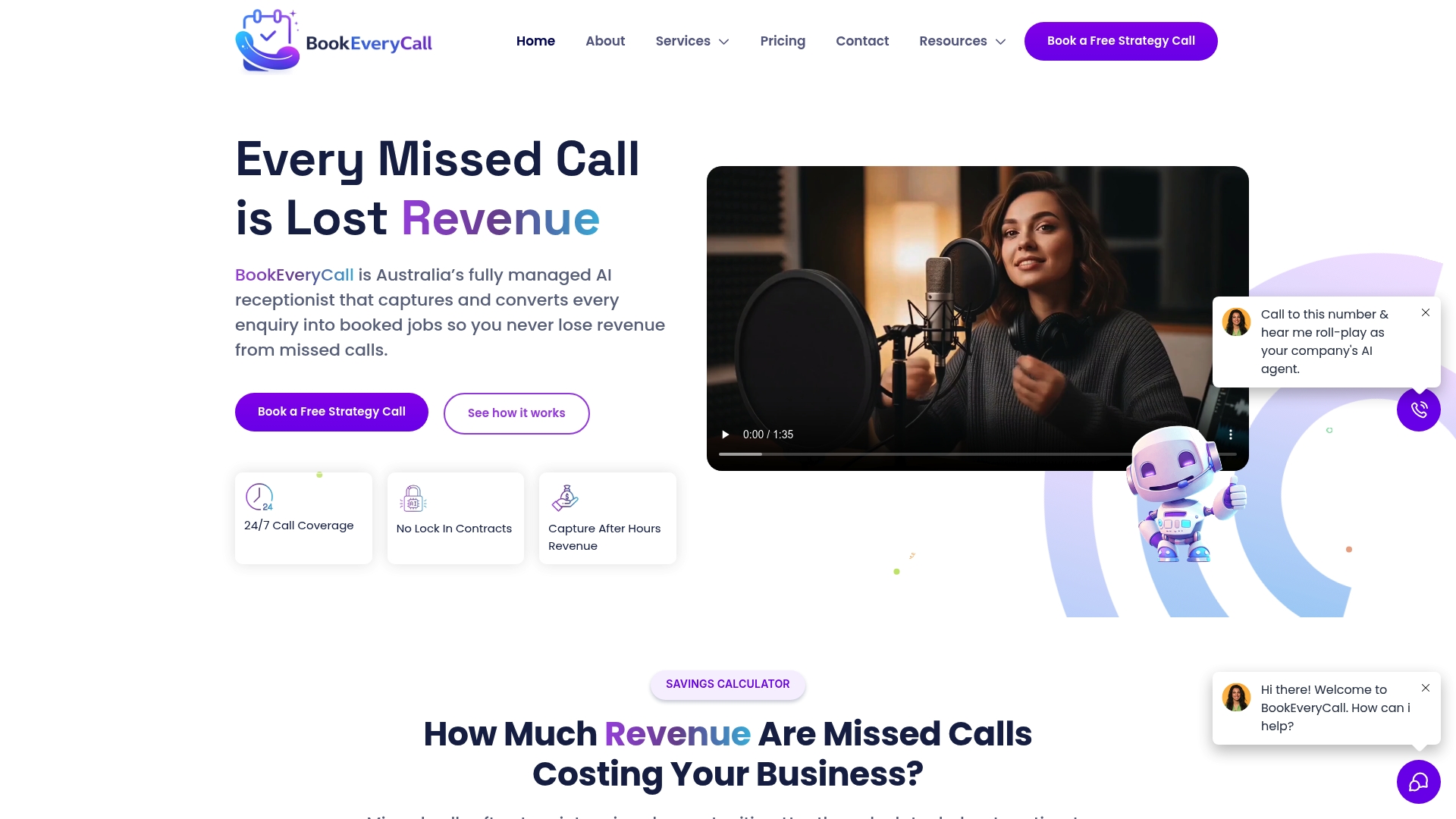
Bookeverycall operates as a fully managed AI receptionist that answers calls, qualifies enquiries, and books appointments directly into your calendar, around the clock. You do not need to configure complex integrations or train staff on new software. The missed call AI captures every after-hours enquiry automatically, and the Voice AI service handles the conversation in a way that feels natural to your customers. For trade and service businesses across Australia, it is one of the most direct paths to recovering the revenue that currently disappears after 5pm.
FAQ
What is an after hours booking system?
An after hours booking system is software that allows customers to schedule appointments or services outside of your normal business hours, without staff involvement. It typically includes an online booking page, automated confirmations, and calendar integration.
How does after hours appointment booking work?
Customers access a booking link or widget on your website or social media, select a service and available time slot, and receive an automatic confirmation via SMS or email. The appointment syncs directly to your calendar with no manual input required.
How long does it take to set up an after hours booking system?
Most local businesses can complete a basic after hours booking system setup in four to eight hours across two to three days. This includes configuring services, setting availability, embedding booking links, and testing the full booking flow.
How do I reduce no-shows with an automated booking system?
Set up automated SMS and email reminders at 24 hours and two hours before each appointment. Multi-touch reminders with a one-tap confirm or reschedule option reduce no-show rates to under 5% for most businesses.
Can a small business afford a 24/7 booking system?
Yes. Most after hours booking automation tools offer plans starting under $50 per month, and the revenue recovered from capturing after-hours enquiries typically far exceeds the subscription cost within the first month of use.