When an emergency call comes in and no one answers, that job goes to your competitor. It’s that simple. For local trade businesses, mastering emergency job booking best practices isn’t optional. It’s the difference between a thriving operation and one that haemorrhages revenue every time a pipe bursts at 9pm or a circuit trips on a Saturday morning. This article walks you through concrete strategies to capture urgent calls, dispatch efficiently, and protect your confirmed schedule, without letting emergency jobs throw your entire day into chaos.
Table of Contents
- Key takeaways
- 1. Define your emergency job booking best practices framework
- 2. Build buffer capacity into your daily schedule
- 3. Protect confirmed appointments from disruption
- 4. Apply multi-factor technician matching
- 5. Use AI for triage and data capture, not autonomous booking
- 6. Automate customer communication at every stage
- 7. Leverage technology to capture every urgent lead
- 8. Measure what actually matters
- My honest take on emergency booking after years in the field
- How Bookeverycall handles emergency job booking for trades
- FAQ
Key takeaways
| Point | Details |
|---|---|
| Categorise jobs by priority | Define clear tiers (emergency, urgent, routine) so your team knows exactly how to respond and allocate resources. |
| Reserve buffer capacity | Keep 15 to 20% of daily capacity free for emergency jobs to absorb urgent work without disrupting confirmed bookings. |
| Use AI in draft mode only | Set AI booking tools to notify-for-approval rather than auto-booking, so humans remain the final decision-makers. |
| Track conversion metrics | Measure call answer rates and call-to-booking conversion to identify where urgent leads are falling through the cracks. |
| Automate customer communication | Send automated confirmations and ETA updates to reduce no-shows and inbound status calls. |
1. Define your emergency job booking best practices framework
Before you can handle emergency jobs well, you need a shared definition of what an emergency actually is. Without one, every job feels urgent and nothing gets prioritised correctly.
Start by categorising jobs into three tiers:
- Emergency: Immediate risk to safety, property, or business continuity. A burst water main, total power failure, or gas leak. Response target: under two hours.
- Urgent: Significant inconvenience but not an immediate safety risk. A hot water system failure, a faulty air conditioning unit in a heatwave. Response target: same day.
- Routine: Planned maintenance, inspections, or non-critical repairs. Scheduled in the normal booking queue.
Once your tiers are defined, build status designations into your scheduling software. Distinguishing between “planned” and “confirmed” appointments is not just administrative tidiness. Confirmed vs planned status in your system allows AI dispatchers and human schedulers to intelligently move flexible jobs without touching confirmed bookings.
Pro Tip: Create a one-page laminated reference card for your team that lists job tier definitions, response time targets, and the name of the person who authorises emergency dispatch. Ambiguity in a crisis costs you time and customers.
2. Build buffer capacity into your daily schedule
One of the most overlooked emergency job scheduling tips is the deliberate reservation of open slots. Most businesses fill their day to 100% capacity and then scramble when an emergency call comes in.

Industry practice recommends reserving 15 to 20% of daily technician capacity specifically for emergency calls. For a team of four technicians working eight-hour days, that’s roughly six hours of collective buffer across the day. Those slots aren’t wasted time. They’re your ability to say yes when a customer needs you most.
Adjust your buffer seasonally. A plumbing business in Melbourne will see more burst pipe calls in winter. An HVAC company in Brisbane will be slammed with air conditioning emergencies in summer. Build your buffer to reflect your actual demand patterns, not a flat percentage year-round.
3. Protect confirmed appointments from disruption
Successful emergency scheduling relies on treating confirmed bookings as immovable anchors. Protected appointment logic means your scheduling system treats confirmed jobs as hard constraints that cannot be shifted, even under pressure.
When an emergency comes in, your system should look first at buffer slots, then at planned (not confirmed) appointments that can be rescheduled with customer consent, and only as a last resort consider overflow options. This prevents the domino effect where one emergency cascades into a chain of delayed or cancelled appointments, eroding trust across multiple customers at once.
The practical implication: make sure your scheduling software distinguishes between job statuses and that your team understands they cannot move a confirmed booking without explicit customer agreement and manager sign-off.
4. Apply multi-factor technician matching
Sending the nearest available technician sounds logical. It’s often wrong. Efficient emergency job management requires evaluating multiple factors simultaneously before assigning a job.
The key factors for technician selection include:
- Proximity: Travel time to site, accounting for current traffic conditions.
- Skill match: Does this technician hold the licence and experience for this specific job type?
- Current workload: Are they mid-job or genuinely available?
- Equipment on board: Do they have the parts and tools the job likely requires?
- SLA risk: Does assigning this technician put any existing commitment at risk?
Weighted scoring across these factors is exactly what AI dispatching tools do well. But a human dispatcher still needs to review the recommendation before committing, particularly when SLA risk is involved.
Pro Tip: Build a simple technician profile card in your field service management platform that lists each person’s certifications, typical job types, and current equipment load. Update it weekly. This alone cuts dispatch decision time significantly.
5. Use AI for triage and data capture, not autonomous booking
This is where most businesses get the balance wrong. The question of how to book emergency jobs efficiently is not answered by handing full control to an AI system. It’s answered by using AI where it genuinely excels and keeping humans in control where judgement matters.
AI tools are exceptional at:
- Answering calls 24/7 and capturing caller details accurately
- Running through a triage script to assess urgency and job type
- Creating a draft job card with all relevant information
- Flagging the job to the appropriate dispatcher for approval
Where AI falls short is in making the final call on dispatch, particularly for complex or high-value emergency jobs. Human dispatchers must remain decision-makers to prevent costly misassignments. A misrouted emergency job doesn’t just waste a technician’s time. It leaves a customer in crisis without help and destroys the trust that took years to build.
Most local businesses err by allowing AI to auto-book directly onto technician calendars. The smarter approach is to configure AI tools in draft-only booking mode, where every booking is presented to a human for approval before it’s confirmed.
Pro Tip: When evaluating AI booking tools for your emergency job booking workflow, check whether the platform supports a “notify-for-approval” or “draft mode” setting. If it only offers full auto-booking, treat that as a red flag.
6. Automate customer communication at every stage
One of the most underrated best practices for urgent job booking is what happens after the call ends. Customers in an emergency situation are anxious. Silence makes that anxiety worse and triggers a flood of inbound status calls that clog your phone lines.
Automated customer notifications including booking confirmations, technician assignment alerts, and ETA updates reduce no-shows and dramatically cut the volume of “where is my technician?” calls your office receives.
Set up automated messages at three points: when the job is booked, when a technician is assigned and en route, and when the job is completed. SMS works best for emergency scenarios because customers see it immediately, even if they’re dealing with a stressful situation at home or at their business.
7. Leverage technology to capture every urgent lead
64% of customers expect an immediate response when they contact a business. For emergency calls, that expectation is even higher. If your phone rings at 11pm and no one answers, that customer is already dialling the next number in their search results.
The best emergency job booking tools address this by providing:
| Tool type | What it does | Business impact |
|---|---|---|
| AI call answering | Answers 24/7, captures job details | Zero missed emergency calls |
| Triage scripting | Qualifies urgency and job type | Accurate priority assignment |
| Draft job card creation | Populates scheduling system automatically | Saves 4 to 6 hours admin weekly |
| Real-time scheduling alerts | Notifies dispatcher and technician instantly | Faster response times |
| CRM integration | Logs call history and customer details | Better follow-up and retention |
Automating call intake and job card creation alone saves 4 to 6 hours of administrative time weekly. For a small business, that’s the equivalent of a part-time admin role redirected to higher-value work.
Bookeverycall’s voice AI platform is purpose-built for exactly this scenario, handling after-hours and overflow calls for trade businesses across Australia.
8. Measure what actually matters
You cannot improve what you don’t measure. Efficient emergency job management requires tracking a small set of high-signal metrics rather than drowning in data.
Focus on these indicators:
- Call answer rate: What percentage of emergency calls are answered within the first three rings or before going to voicemail?
- Call-to-booking conversion rate: Of the emergency calls you answer, how many result in a confirmed booking?
- Response time: From call received to technician on-site, how long does it take for each priority tier?
- No-show rate: Are customers cancelling or not being home when the technician arrives?
- Customer feedback mentioning emergency response: Reviews that specifically reference your speed and reliability in a crisis are your most valuable marketing asset.
Emergency SEO and booking success should be measured by business outcomes, not traffic alone. A “book now” button that shows availability you can’t actually fulfil destroys trust faster than not ranking at all. Make sure your online booking reflects real-time availability.
Use your data monthly to identify bottlenecks. If your answer rate is high but conversion is low, the problem is in your triage or booking process. If conversion is high but response times are poor, the problem is in dispatch or capacity planning.
My honest take on emergency booking after years in the field
I’ve watched small trade businesses invest in AI tools and then configure them to auto-book everything, convinced that full automation equals maximum efficiency. In my experience, that’s the fastest way to create a customer service disaster.
The businesses that handle emergency jobs best are the ones that use technology to capture and qualify every call, then hand the decision to a human who knows the team’s actual capacity, skill set, and current commitments. AI is brilliant at the intake side. It’s not yet reliable enough to make the final call on a $2,000 emergency job without a human sanity check.
What I’ve found works is starting with a single AI tool for after-hours call answering, reviewing every draft booking it creates for the first 30 days, and only loosening the reins once you trust the system’s triage accuracy. Most businesses that do this are genuinely surprised by how few adjustments the AI needs after the first month.
The other thing I’d push back on is the idea that you need a complex, expensive platform to get started. A well-configured AI receptionist for electricians or plumbers costs a fraction of a missed emergency job. Start there. Build from what you learn.
— Chay
How Bookeverycall handles emergency job booking for trades
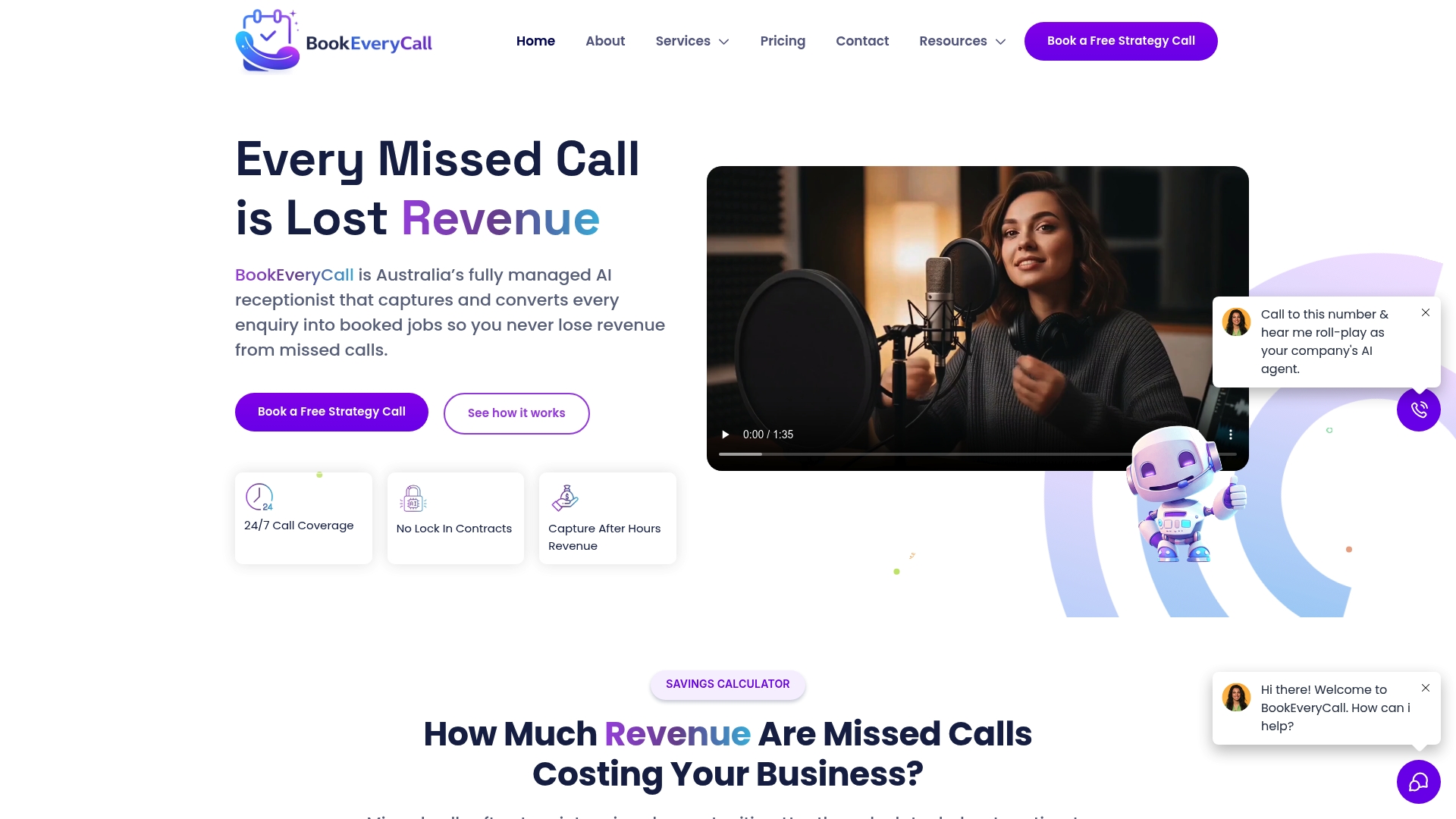
Bookeverycall is built for exactly the scenario this article describes: a customer calls with an urgent job outside business hours, no one answers, and the lead disappears. The platform functions as a fully managed AI receptionist that answers every call 24/7, runs through a triage script to assess urgency, and creates a draft job card ready for your dispatcher to approve.
For trade businesses including plumbers, electricians, and HVAC operators, Bookeverycall integrates directly with field service management platforms so your team wakes up to a qualified, ready-to-confirm booking rather than a missed call notification. The missed call AI feature alone recovers leads that would otherwise walk straight to a competitor. Businesses using the platform report recovering up to $312,000 annually in previously lost revenue from missed calls.
Book a strategy call to see how Bookeverycall can fit your emergency booking workflow.
FAQ
What is the most important emergency job booking best practice?
Reserving 15 to 20% of daily technician capacity as a buffer for emergency jobs is the single most impactful practice. It allows you to absorb urgent work without disrupting confirmed appointments.
Should AI tools automatically book emergency jobs?
No. AI tools should operate in draft or notify-for-approval mode, where a human dispatcher reviews and confirms each emergency booking before it is finalised, reducing the risk of misrouted jobs.
How do I reduce missed emergency calls after hours?
An AI-powered call answering system that operates 24/7 captures every after-hours enquiry, qualifies the urgency, and creates a draft booking for your team to action first thing in the morning or in real time.
What metrics should I track for emergency job booking?
Track call answer rate, call-to-booking conversion rate, response time by priority tier, no-show rate, and customer reviews that specifically mention emergency response speed and reliability.
How does automated communication help with urgent jobs?
Automated booking confirmations, technician assignment alerts, and ETA updates reduce customer anxiety, cut inbound status calls, and lower no-show rates for emergency appointments.